
Sign Up
CVEFeed.io is a vulnerability intelligence platform that helps security teams stay ahead of emerging threats. Before you can start tracking software products and receiving vulnerability alerts, you’ll need to create an account. The process takes less than a minute — sign up with your email or use an existing GitHub or Google account.
Create an Account
Section titled “Create an Account”Head to cvefeed.io and click Start Free in the hero section. The same registration page sits behind Get Started / Sign Up to Try on any plan in the pricing section, and behind Create Free Account at the bottom of the landing page. The top navigation carries no sign-up link at all, so if you arrive at the login page via Sign In, use Create a free account there to reach registration.
You have three ways to register:
- Email and password — enter your work email and choose a strong password, then confirm it. CVEFeed.io sends a verification email to that address.
- GitHub OAuth — click the GitHub button to authenticate with your GitHub account. This is the fastest option if you already have a GitHub account.
- Google OAuth — click the Google button to sign in with your Google workspace or personal account.
If you registered with email and password, verify your address by clicking the confirmation link sent to your inbox — verification is mandatory, so you can’t sign in until it’s done. Check your spam folder if you don’t see it within a few minutes. GitHub and Google sign-ups skip this step, since the provider has already confirmed the address.
Sign In
Section titled “Sign In”Once your account is verified, sign in at the login page. Enter your email and password, or use the same OAuth provider you registered with.
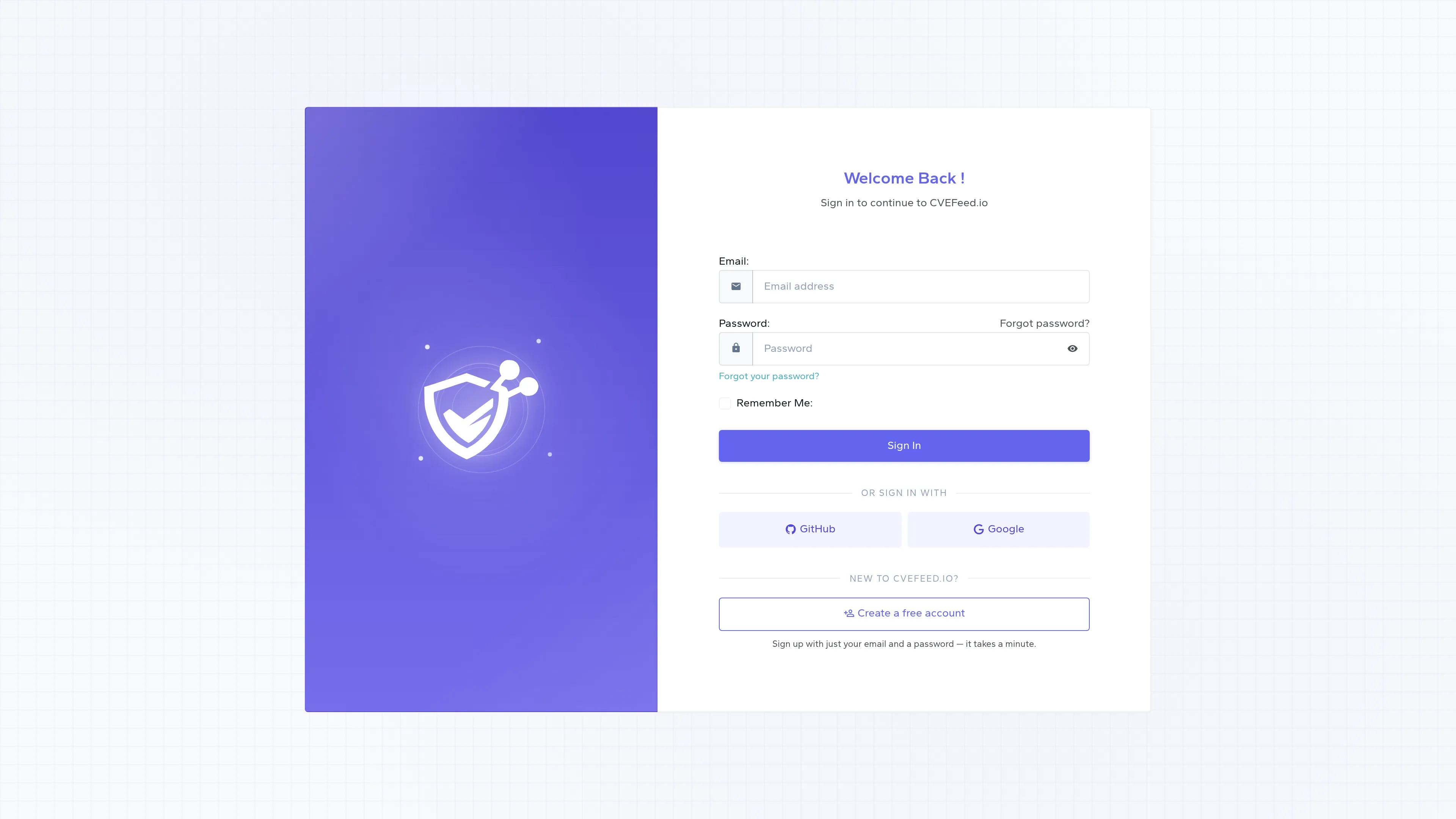
The Remember Me option keeps your session active so you don’t have to sign in every time you visit.
Where You Land
Section titled “Where You Land”After signing in, you’ll land on My Projects at /project/ — the list of every project you own or belong to. You won’t start empty: CVEFeed.io creates a default project the moment your account is created, named from your account name or email (for example, jane's Project), with you as its owner and a read-only API token already issued. A Create New Project card appears next to the list only while you’re below your plan’s project limit — the Free tier allows one project, so that card shows up once you upgrade.
The platform-wide Dashboard is one click away in the sidebar. It’s a global overview of vulnerability activity across CVEFeed.io: today’s new and updated CVE counts, the CVE activity chart, the week’s hot CVEs, and the vendors with the most CVEs over the last 14 days.
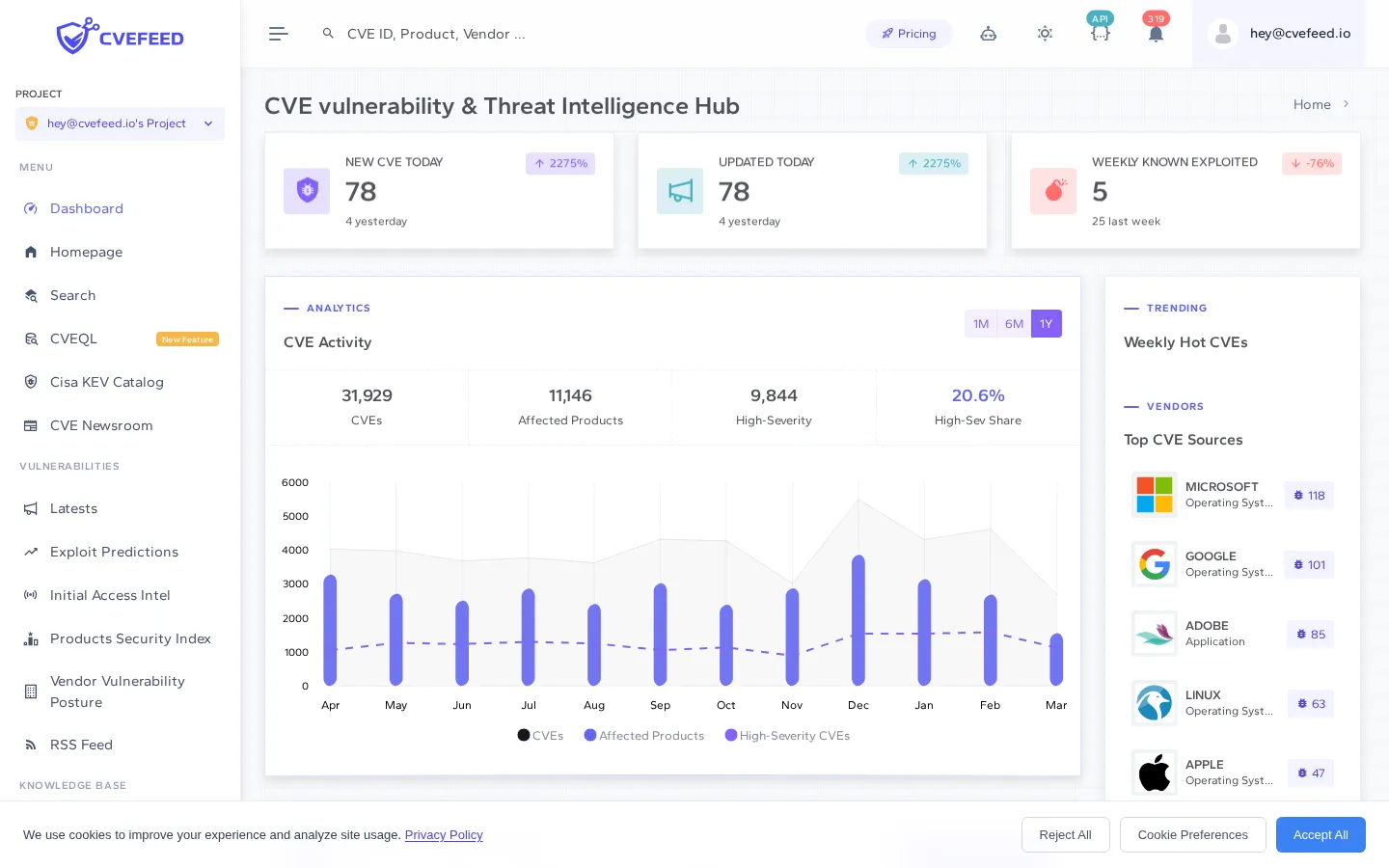
From the Dashboard you can explore the platform’s global vulnerability data, or head back to My Projects and open your project to start subscribing to the software products you care about.
Next Steps
Section titled “Next Steps”Now that your account is ready, set up your first project to start monitoring vulnerabilities for the software your organization uses.