

Jira
Connect CVEFeed.io to your Jira Cloud instance to automatically create issues when new vulnerability alerts are generated for your subscribed products. The integration uses Atlassian’s Forge platform for secure, server-to-server communication.
Tier requirement: Pro or Enterprise
Setup
The Jira integration requires installing the CVEFeed.io Forge app from the Atlassian Marketplace.
- Install the app — go to the Atlassian Marketplace and install the “CVEFeed.io” app to your Jira Cloud instance.
- Open the app’s Admin Page in Jira.
- Enter a CVEFeed API token — create an API token in your CVEFeed.io project settings and paste it into the Forge app.
- Configure issue creation settings in the Forge app:
- Jira Project Key — the project where issues will be created (e.g., “SAMI”).
- Issue Type — the issue type ID to use (e.g., Bug, Task).
- Labels — optional labels to add to all created issues (e.g., “cvefeed”).
- Auto-Create Issues — enable this to automatically create issues when new alerts are generated.
Once connected, the CVEFeed.io configuration page shows the connection status and synced settings.
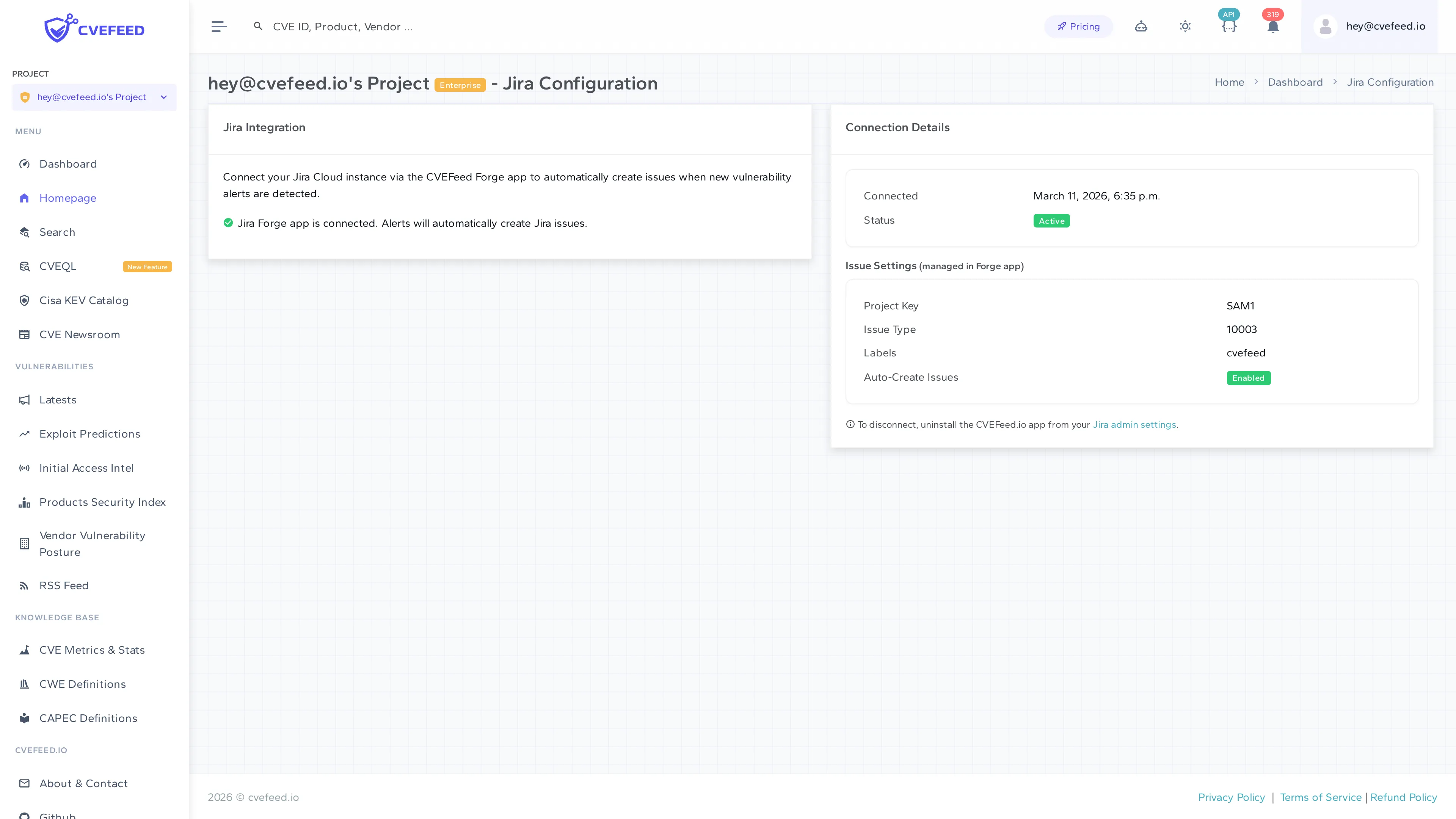
Connection Details
The configuration page displays:
- Connected — the date and time the Forge app was connected.
- Status — whether the integration is active.
- Issue Settings — the Jira project key, issue type, labels, and auto-create toggle (these are managed in the Forge app, displayed read-only in CVEFeed.io).
Disconnecting
To disconnect, uninstall the CVEFeed.io app from your Jira admin settings. The link is provided at the bottom of the configuration page.