

Sign Up
CVEFeed.io is a vulnerability intelligence platform that helps security teams stay ahead of emerging threats. Before you can start tracking software products and receiving vulnerability alerts, you’ll need to create an account. The process takes less than a minute — sign up with your email or use an existing GitHub or Google account.
Create an Account
Head to cvefeed.io and click Sign Up in the top navigation. You’ll see the registration page where you can choose how to create your account.
You have three ways to register:
- Email and password — enter your work email and choose a strong password. You’ll receive a verification email to confirm your address.
- GitHub OAuth — click the GitHub icon to authenticate with your GitHub account. This is the fastest option if you already have a GitHub account.
- Google OAuth — click the Google icon to sign in with your Google workspace or personal account.
After registering, verify your email by clicking the confirmation link sent to your inbox. Check your spam folder if you don’t see it within a few minutes.
Sign In
Once your account is verified, sign in at the login page. Enter your email and password, or use the same OAuth provider you registered with.
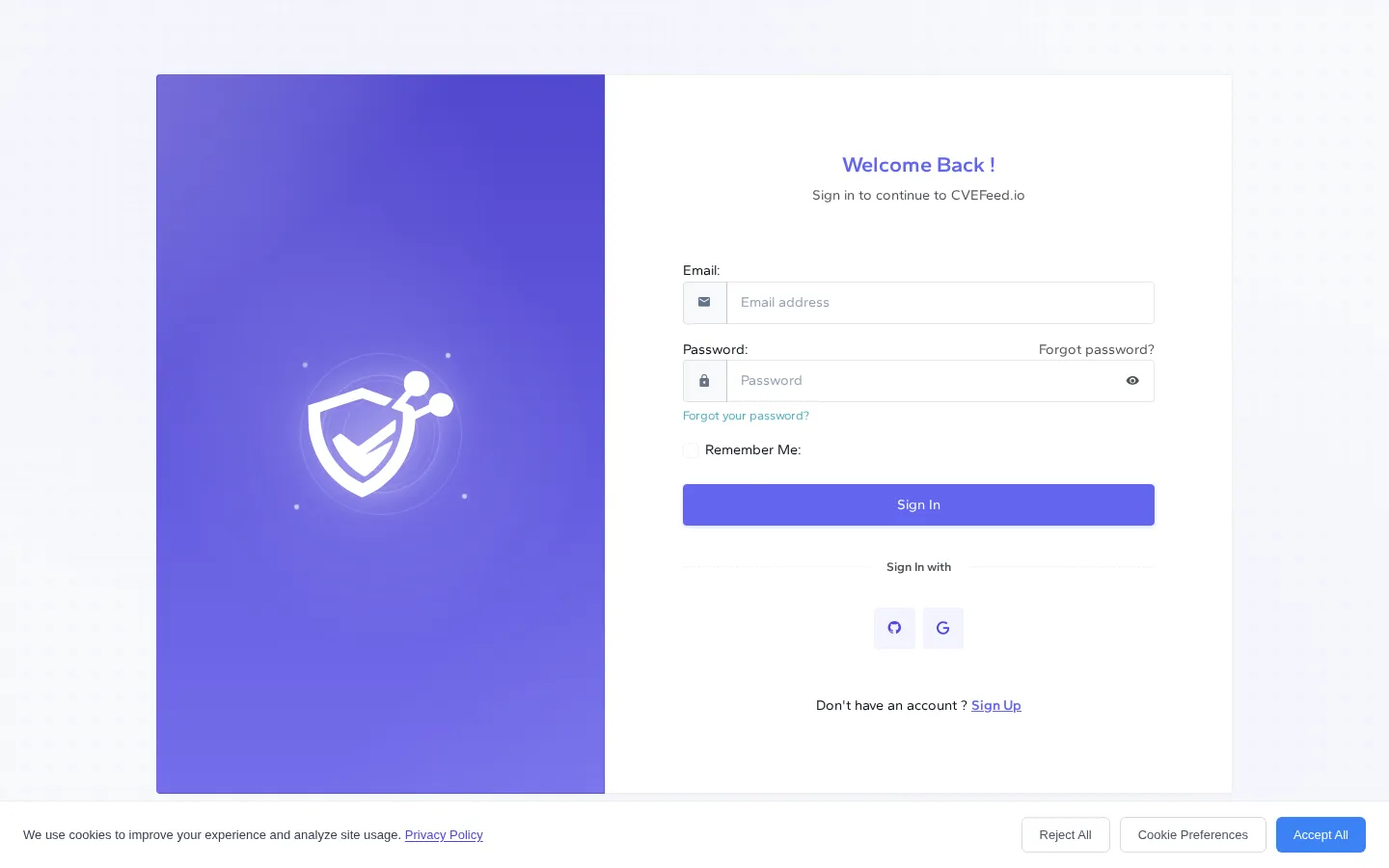
The Remember Me option keeps your session active so you don’t have to sign in every time you visit.
Your Dashboard
After signing in, you’ll land on the CVEFeed.io dashboard — a global overview of vulnerability activity across the platform. This shows daily CVE counts, trending vulnerabilities, and top affected vendors.
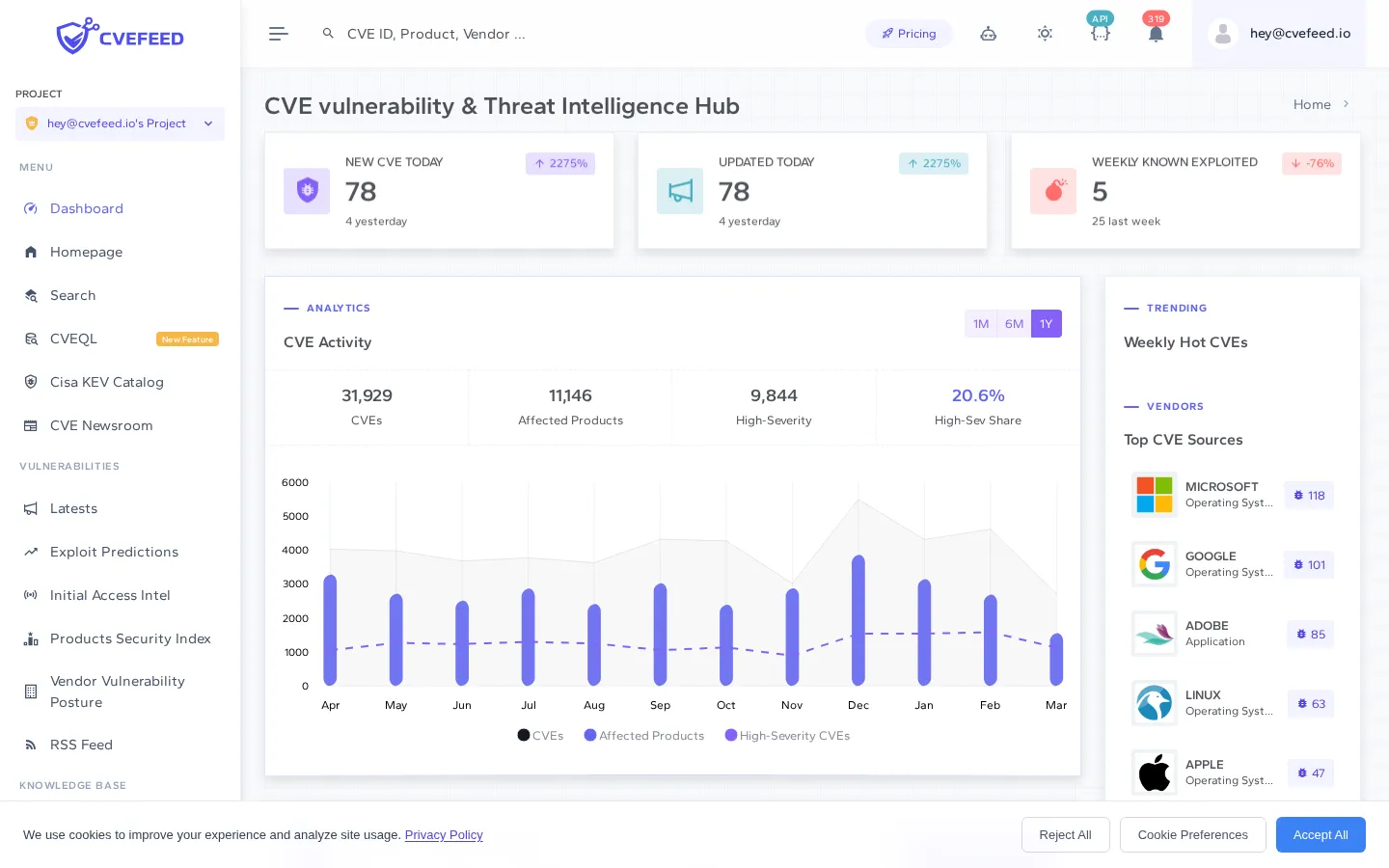
From here, you can explore the platform’s global vulnerability data or head to My Projects to create your first project and start subscribing to the software products you care about.
Next Steps
Now that your account is ready, create your first project to start monitoring vulnerabilities for the software your organization uses.